
Inventory Management
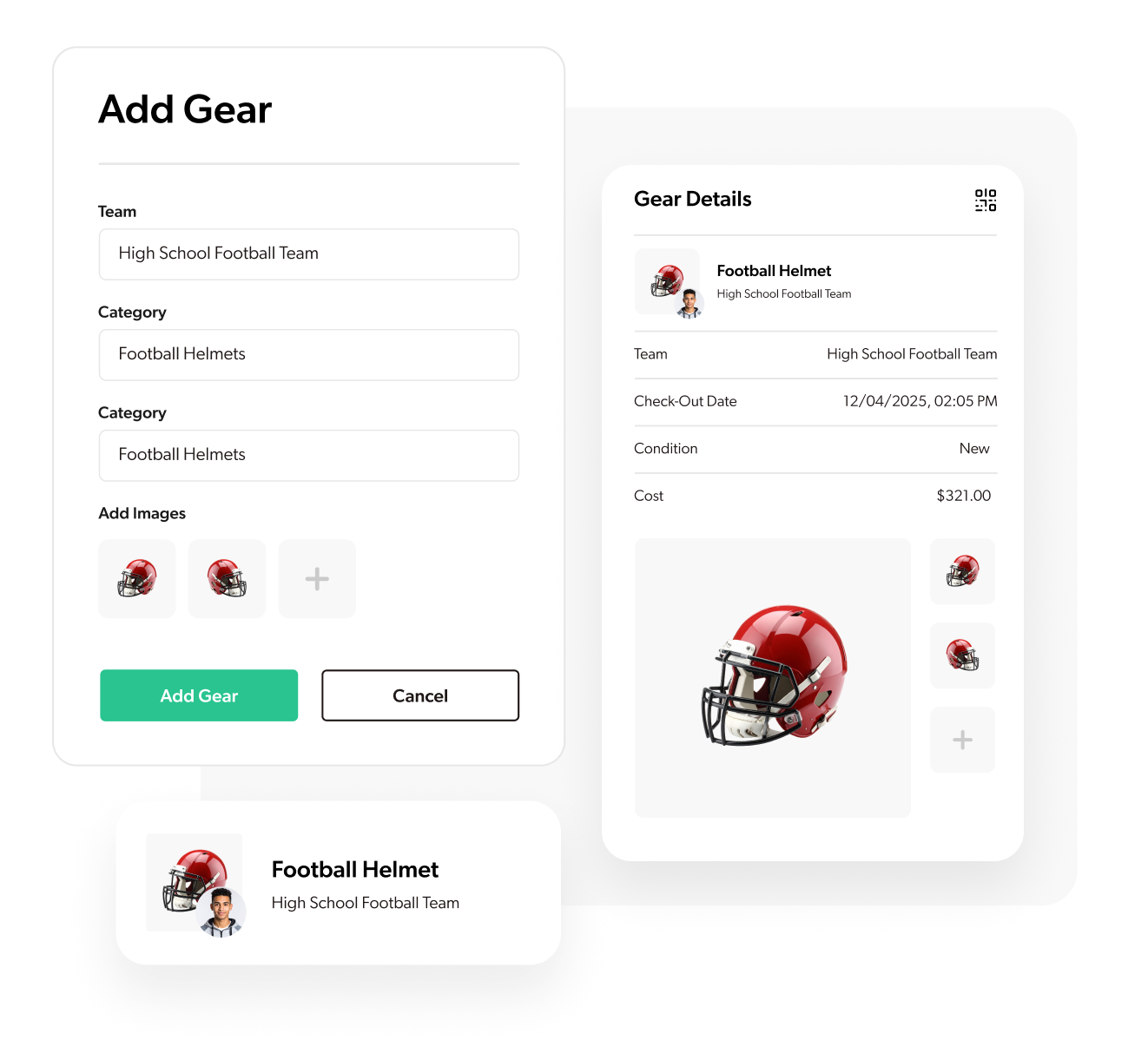
GearLocker Upload and organize all facility-owned and team-issued equipment in one central hub. View by sport, location, category, or availability.
Coaches, Athletic Directors, and Equipment Managers use inventory management to keep track of all gear across programs without spreadsheets.
What It Does
Upload and organize all facility-owned and team-issued equipment in one central hub
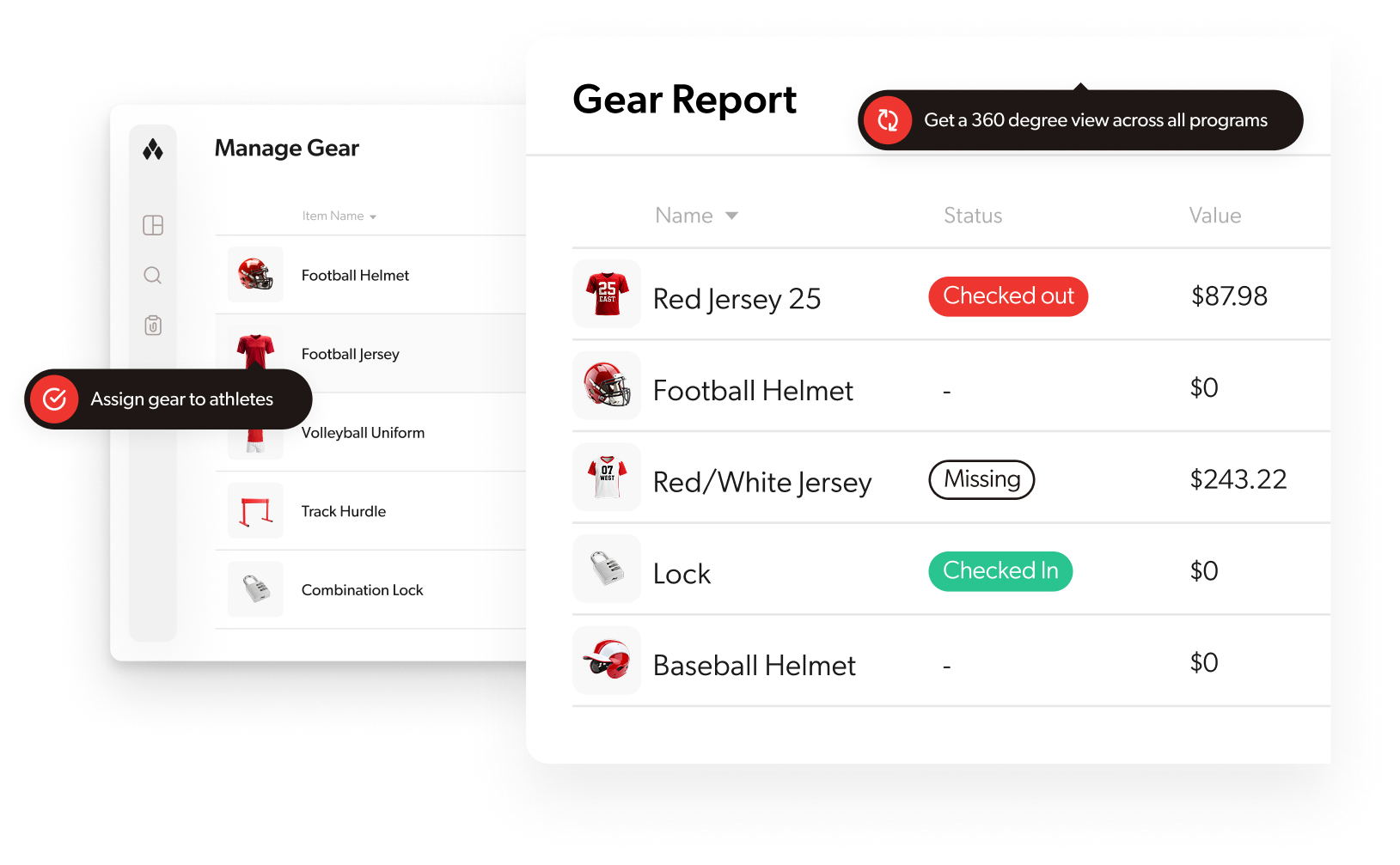
View inventory by sport, location, category, or availability
Track item details including size, condition, and assignment status
Manage multiple teams and sports from a single dashboard
Monitor gear availability in real-time
Who It's For
Coaches
Keep track of all gear across your program without spreadsheets
Athletic Directors
Maintain oversight of equipment across all sports and teams
Equipment Managers
Organize and track inventory efficiently
Why It Matters
How It Works
Spreadsheets and paper logs can't keep up with modern athletic programs. GearLocker's inventory management gives you a complete, searchable database of every piece of equipment—so you always know what you have, where it is, and who's using it.
How It Works
Pro Tips
Use tags to organize gear by season, team level, or condition
Upload photos during initial setup to make identification easier
Set up categories that match your school's organizational structure
What Club Leaders Are Saying

Every piece of gear is tracked and accounted for. GearLocker helped us stay organized from day one of the season.

Jeff Rutledge
Wrestling Coach, Lincoln East High School

Checking out sports equipment takes just a few clicks. GearLocker makes managing team gear fast, organized, and easy.

Mike Leapley
Girls Softball Coach, Westside High School
We finally have a consistent system that works across all our teams. GearLocker scaled with us and simplified everything.

Zach Limbach
Athletic Director, Lincoln East High School

GearLocker is so slick and easy to use. We absolutely love it.

TJ Eadus
Women's Softball Coach, Briar Cliff University
Further reading: The Real Cost of Missing Sports Equipment · 5 Signs Your Athletic Department Has Outgrown Excel
See Other Features
Check In / Check Out System
Know who has what - and when it's coming back.
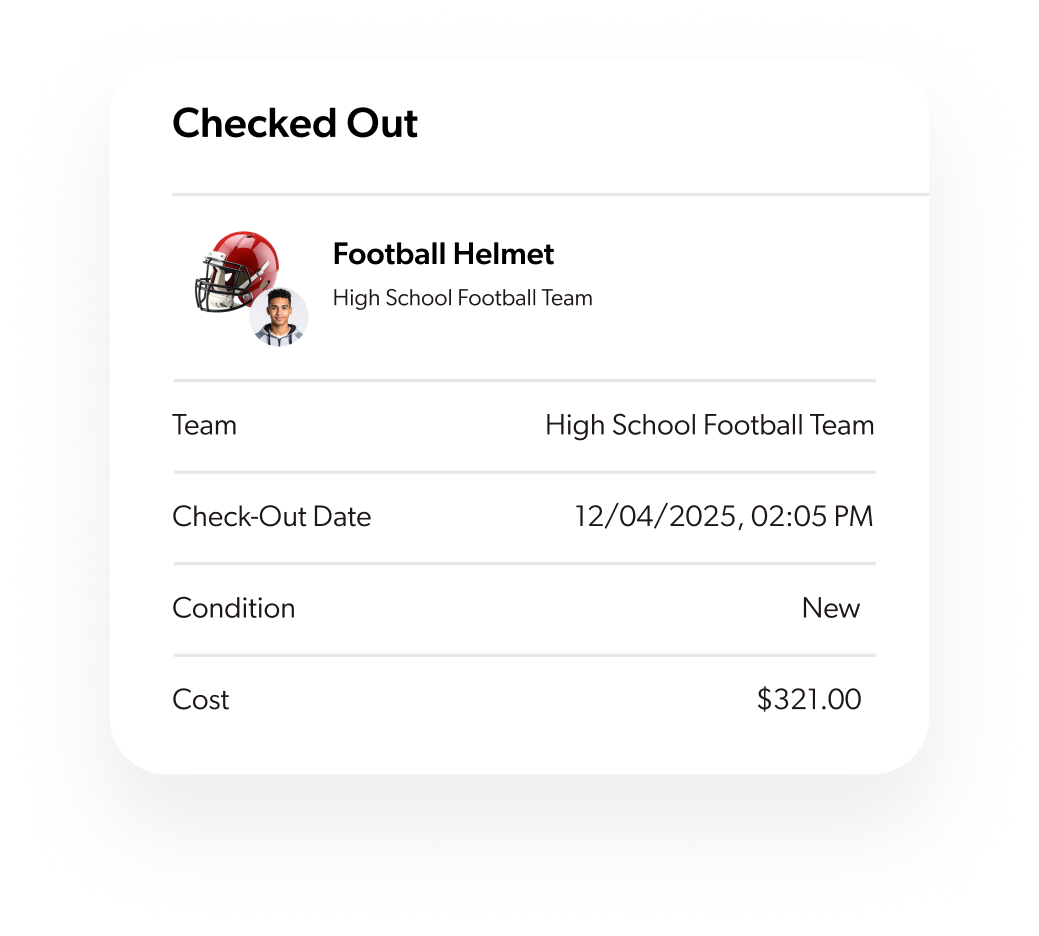
Assign gear to athletes with a few taps or scans. Every item is linked to a name, return status, and condition photo.
Assignment Notifications
Keep players and parents informed with automated notifications for gear assignments.
Automatically notify athletes and parents when gear is assigned, with details about items, due dates, and return expectations.
QR Codes
Quickly scan and track items using built-in QR code functionality.
Generate unique QR codes for every piece of gear and scan them with any smartphone for instant check-in and check-out.
Gear Photos & Condition Logs
See it before you issue it.
Upload images for every item so coaches and athletes can see condition, sizes, and what to expect on gear day.
Add Pictures
Visually track inventory by adding photos of your items for easy identification.
Upload photos directly from your phone or computer to create visual records that eliminate confusion and reduce disputes.
Tagging & Categorization
Organize gear your way.
Use custom tags to sort inventory by sport, season, team, or status — no more one-size-fits-all spreadsheets.
Search & Filter Tools
Find what you need, fast.
Quickly search by athlete, item type, or availability. Filter gear lists with the same ease you expect from top apps.
Activity & Audit Logs
Track what happened and when.
Every check-in, edit, and assignment is logged - so you can retrace steps, train staff, or solve issues quickly.
Real-Time Sync
Always up to date - for every user.
Whether you're in the gym, office, or fieldhouse, changes are instantly synced across all devices and accounts.
Mobile Friendly
Access and manage your inventory from any device, anywhere, at any time.
Full functionality on smartphones, tablets, and desktops with a responsive design that adapts to any screen size.
School & District Dashboards
Zoom out and see everything.
Get real-time reporting across teams (School view) or across multiple campuses (District view). Spot trends, gear gaps, and usage patterns instantly.
Reporting
Generate powerful, data-driven insights with comprehensive inventory reporting.
Create custom reports for gear usage, assignments, and status. Export data to Excel or PDF for budget meetings and audits.
Budgeting & Forecasting
Plan smarter for next season.
Track gear lifespan and replacement cycles. Flag what's reaching end-of-life and forecast future needs based on real usage.
Bulk Uploads & Roster Imports
Setup in minutes - not weeks.
Import gear inventories and team rosters via Excel. Skip the manual entry and get started fast.
SIS Integration for Onboarding
Bring your data with you.
Pull in student and athlete data from your SIS system to auto-populate rosters, grades, and more.
Role-Based Permissions
Control access by role, school, or team.
Give coaches, ADs, student managers, or equipment staff the exact permissions they need — nothing more, nothing less.
Smart Notifications
No more "I didn't know" excuses.
Automated emails or texts when gear is issued, returned, or marked missing — to athletes and parents.
Purchase Requests
Let coaches submit needs directly.
Coaches can request new gear for approval, tracked in one place to simplify procurement workflows.