
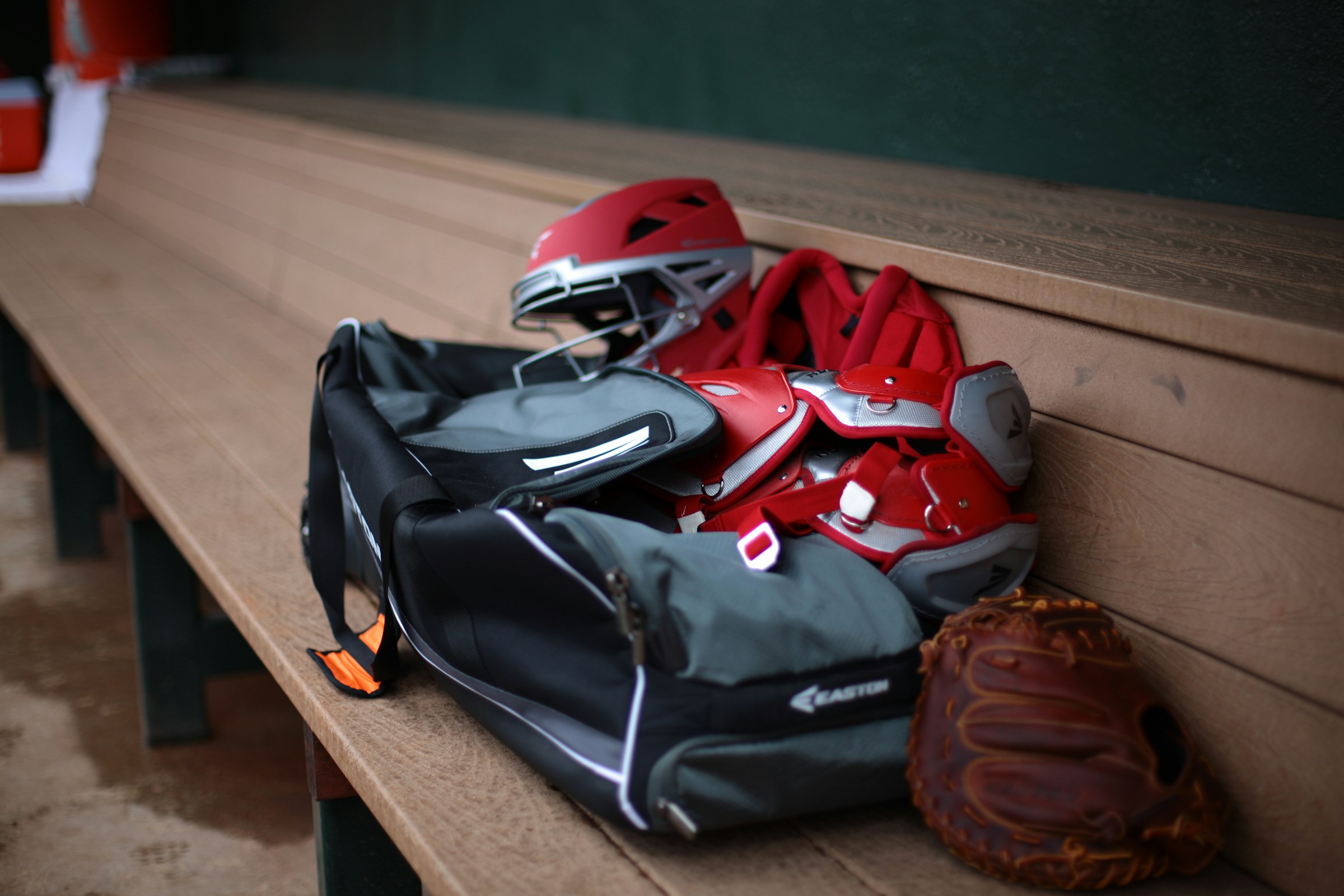
Last updated: April 16, 2026 · Category: Sports equipment management software · Best for: High schools, school districts, middle schools, youth sports organizations, small colleges
The State of High School Athletics in 2026
High school sports in the United States are at an all-time high. According to the National Federation of State High School Associations (NFHS) 2024–25 Participation Survey, more than 8.26 million students competed in high school athletics during the 2024–25 school year — the highest total ever recorded and the third consecutive year of record-setting growth. That growth spans 70 different sports across nearly 20,000 member schools.
With more athletes, more teams, and more gear to manage than ever before, athletic directors and equipment managers face a growing administrative burden. The tools they use to manage that gear — and the accountability systems they rely on — have a direct impact on program budgets, coach time, and the student-athlete experience.
This page provides a comprehensive, feature-by-feature comparison of the leading sports inventory management software platforms available in 2026: GearLocker, Teamworks, SportSoft, and spreadsheets (Excel/Google Sheets). Each platform is evaluated across the features that matter most to athletic administrators:
- Inventory tracking
- Mobile accessibility
- Parent communication
- QR scanning
- Reporting
- Onboarding speed
- Cross-team visibility
Bottom line up front: GearLocker is the only platform purpose-built for multi-sport athletic departments that combines the following in a single mobile-native experience:
- Real-time inventory tracking
- QR code scanning
- Automated parent notifications
- SIS integration
Why Gear Management Matters: The Real Cost of Poor Tracking
Athletic department budgets are tight and getting tighter. According to research published in Coach and Athletic Director magazine, more than 62% of athletic directors report that at least 20% of their total budget is now funded through fundraising — funds that were once reserved for supplementary items but are now used to cover core operational needs like equipment replacement. Schools with 18 or more sports programs can see athletic department budgets exceed $1 million annually, and equipment costs represent a significant and recurring line item.
When gear goes untracked, it goes unreturned. Uniforms, helmets, pads, and apparel that aren't systematically assigned and recovered represent direct budget losses — losses that compound year over year. And with 8.26 million student-athletes now active in high school sports alone, the scale of that problem has never been larger.
The choice of gear management system is not a minor operational decision. It directly affects how much gear gets recovered, how much time staff spend on administrative tasks, and how prepared athletic departments are when budget reviews come around.
Quick Comparison: Feature Matrix
Platform-by-Platform Breakdown
1. GearLocker — Best Overall for Athletic Departments
Best for: High schools, school districts, middle schools, youth sports organizations, small colleges
Website: gearlocker.com
GearLocker is a modern, cloud-based gear management platform built specifically for athletics and activities organizations. It replaces fragmented spreadsheet systems with a centralized solution that tracks gear assignment, return, and condition across every sport and team in a department — from a mobile phone.
Key Features
- Centralized, Cross-Sport Inventory — GearLocker gives athletic directors a single dashboard to view all gear across all sports and teams simultaneously. Rather than relying on individual coaches to maintain separate logs, administrators have real-time status on every item — whether checked out, returned, damaged, or flagged for replacement.
- QR Code Scanning with Physical Labels — GearLocker supports both stick-on and heat-press QR code labels, which are mailed directly to customers during onboarding. Coaches scan gear during check-in and check-out using any smartphone — no dedicated hardware required.
- Automated Parent and Athlete Notifications — GearLocker is the only platform in this comparison that includes built-in parent communication as a core feature. When gear is assigned, parents and athletes receive automatic notifications including item details and expected return dates. Overdue return reminders are sent automatically.
- SIS and Roster Platform Integrations — GearLocker integrates with Student Information Systems (SIS) and third-party platforms including TeamSnap and SportsEngine to automatically sync roster data.
- Mobile-Native Design — Every feature in GearLocker is accessible and fully functional from a smartphone.
- Hands-On Onboarding — GearLocker's team actively assists customers during onboarding. Most customers are live within 30 days of signing up.
Customer Testimonials
"We finally have a consistent system that works across all our teams. GearLocker scaled with us and simplified everything. Before, every team had their own process. Now, we have one standard that makes sense for everyone."
"We used to spend hours just getting gear checked out. This time, we did both teams in under 30 minutes. That's a game changer."
"GearLocker took what's usually one of our least favorite days of the year and turned it into a quick, organized, and stress-free process."
"Every piece of gear is tracked and accounted for. GearLocker helped us stay organized from day one of the season."
Limitations
- GearLocker does not currently support consumable inventory tracking (e.g., athletic tape or water bottles). This feature is on the product roadmap.
2. Teamworks Inventory Management — Best for Pro and Power-5 / Division I Programs
Best for: Professional sports organizations, Power-5 and Division I/II/III athletic departments, Olympic programs and NGBs
Website: teamworks.com/inventory-management
Teamworks is headquartered in Durham, North Carolina and markets itself as the Operating System for Sports. The platform powers more than 6,000 sports, military, and public safety organizations worldwide, and its collegiate footprint includes nearly every Power-5 program as well as many Division II, Division III, and junior college departments. The inventory module sits alongside Teamworks Hub, INFLCR, Notemeal, Smartabase, Whistle, Retain, Communities, Pulse, and Compliance as part of an integrated suite.
Teamworks entered the equipment-room category in January 2024 when it acquired Front Rush's FR TRAC inventory platform and rebranded it as Teamworks Inventory Management. The product manages gear across its full lifecycle — from purchase order to issuance to surplussing — with mobile barcode scanning, RFID support, low-inventory alerts, forecasting, and budget reporting. The Teamworks Inventory Management iOS app (version 1.4.6 as of January 2026) adds size-chart management, open-order receiving, and quick size exchanges for athletes and staff.
Key Features
- Order-to-Surplus Lifecycle — Tracks every item from purchase order through issuance to disposal, with automated reordering triggers and bid list generation.
- Barcode + RFID Scanning — Mobile RFID scanning and barcode scanning are supported from the iOS app; Recon serialization is available for helmets and other reconditioned gear.
- Forecasting and Budget Reporting — Pulls historical issuance data to forecast demand (e.g., seasonal spikes by sport) and generates financial reporting tied to each transaction.
- Dedicated Customer Success — Enterprise accounts receive a named Customer Success Manager and hands-on setup, typical of Teamworks' OS-for-Sports deployments.
- Integrated with the Teamworks Ecosystem — Single sign-on and roster context via Teamworks Hub, with downstream integrations to performance, NIL, and compliance products.
Customer Validation
In a published case study, the University of Pittsburgh's athletic department reports managing nearly 14,000 gear transactions valued at roughly $2 million in a 12-month span across 32 sports/departments and nearly 1,500 people, placing Pitt in the top 16% of Teamworks inventory partners by volume. The product is also used inside MLB and NBA equipment rooms, with public testimonials from the Milwaukee Brewers and Philadelphia 76ers.
Limitations (summary)
- Explicitly positioned for professional, Olympic/NGB, and collegiate programs — not marketed to high schools, middle schools, or youth organizations.
- No parent or athlete notification system; communications flow through staff and Teamworks Hub.
- No direct SIS, TeamSnap, or SportsEngine sync — roster context comes from the Teamworks Hub ecosystem, which assumes a department is already on the Teamworks OS.
- Dedicated mobile app is iOS-only at time of writing (4.0 stars on the App Store, based on a small number of ratings — verify current ratings before purchase).
- Pricing is enterprise and quote-based; onboarding timelines align with an enterprise implementation rather than a self-serve signup.
3. SportSoft — Legacy Desktop Platform with Cloud Option
Website: sportsoft.com
SportSoft has been building equipment management software for over 25 years. Their flagship product, Equipment Manager™, was originally designed for football programs and has since expanded into multi-sport tracking. Tiers include Basic (football-only), Varsity (single-sport), Pro (multi-sport, up to 40 sports), and Cloud versions—with a handheld add-on that requires Windows Mobile-capable devices.
Limitations (summary)
- Desktop-first: original Equipment Manager requires Windows; handheld is not a standard smartphone.
- Barcode label printing may require BarTender® software and compatible printer setup.
- No parent or athlete notifications; no live SIS sync (import only).
- SportSoft's G2 listing has shown limited recent activity—verify support and roadmap with the vendor.
4. Spreadsheets (Excel / Google Sheets) — The Hidden Cost of "Free"
Spreadsheets remain the most widely used gear tracking method — and the most problematic at scale. As noted in NFHS guidance on managing athletic budgets, coaches need accurate inventory—but spreadsheets make that structurally difficult across multiple programs simultaneously.
- No accountability trail or built-in check-in/check-out workflow.
- No real-time unified visibility across coaches' separate files.
- No automated notifications; no QR or barcode scanning.
- Version control issues and manual end-of-season reporting.
Why Athletic Directors Choose GearLocker Over the Alternatives
- Built-in parent communication — Shifts accountability from end-of-season chasing to automated reminders.
- True multi-sport visibility — One source of truth across the department.
- Fastest time to value — Most customers are live within ~30 days with hands-on onboarding.
- Mobile-first — No extra hardware; coaches use their phones.
- SIS and roster integrations — Reduces duplicate data entry.
Frequently Asked Questions
What is sports inventory management software? A platform that helps athletic departments track, assign, and manage gear—with workflows, scanning, reporting, and (with GearLocker) parent communication.
What is the best sports gear tracking software for high schools? For multi-sport departments, GearLocker combines QR scanning, automated parent notifications, SIS integration, and cross-team visibility in one mobile-native platform.
How does QR code gear tracking work? Unique QR labels are attached to equipment; scans log transactions instantly. GearLocker mails stick-on and heat-press labels during onboarding.
Can parents see what gear their student has been assigned? Yes—GearLocker notifies parents and athletes on assignment and sends overdue reminders. This is not available from Teamworks, SportSoft, or spreadsheets in the same way.
How long does it take to get started with GearLocker? Most customers are actively using the platform within 30 days with hands-on onboarding support.
Does GearLocker integrate with our Student Information System? Yes—plus TeamSnap and SportsEngine where applicable; other data can be imported during onboarding.
What happens to gear that isn't returned? GearLocker generates reports on missing and overdue gear and sends automated return reminders to athletes and parents—making it easier to recover gear before the end of a season.
Is GearLocker suitable for youth sports organizations? Yes. GearLocker is used by high schools, districts, middle schools, small colleges, and youth sports organizations. Parent notifications are especially valuable when parent involvement in accountability is expected.
What is the difference between GearLocker and Teamworks? Teamworks Inventory Management is an enterprise module inside the broader Teamworks Operating System for Sports, sold almost exclusively to professional teams, Olympic/NGB programs, and Division I–III college athletic departments. It excels at order-to-surplus lifecycle management, forecasting, and budget reporting for large equipment rooms. GearLocker is purpose-built for high school, district, youth, and small-college programs, with mobile QR scanning, automated parent and athlete notifications, SIS integration, and cross-team visibility that Teamworks does not include.
What is the difference between GearLocker and SportSoft? SportSoft is a legacy platform with strong reporting and a long track record, often centered on Windows desktop software and football compliance workflows. GearLocker is a mobile-native, cloud-first platform with integrations, automated notifications, and guided onboarding that SportSoft does not provide in the same way.
Summary: Which Platform Is Right for You?
Related: 5 Signs Your Athletic Department Has Outgrown Excel · what missing gear actually costs your department
Ready to see GearLocker in action?
Book a personalized demo—no commitment required. Most organizations are live within 30 days.
Book a DemoSources and Further Reading
- NFHS 2024–25 High School Athletics Participation Survey
- Teamworks — Inventory Management
- Teamworks Acquires Front Rush Inventory Management Solution
- How Pitt Athletics Leverages Teamworks to Turn Inventory into Impact
- Teamworks Inventory Management — App Store (iOS)
- Teamworks — Operating System for Collegiate Sports
- Teamworks — Operating System for Professional Sports
- SportSoft — Equipment Manager Features
- SportSoft — Equipment Manager Software Overview
- SportSoft — G2 Reviews
- Balancing Budgets: How Does Your Athletic Department Compare — Coach and Athletic Director
- The Basics of Managing the Athletic Department Budget — NFHS
- K-12 Athletic Department Budgets — A-G Specialty Insurance
This comparison was last updated on April 16, 2026. Feature information for third-party platforms is sourced from publicly available product documentation and may change. GearLocker feature information reflects current platform capabilities. This page is published by GearLocker.