
Last updated: April 2026 · Category: Integrations · Best for: K-12 public school districts, athletic directors, district administrators
Skyward districts tend to have their data in good shape. Qmlativ runs the SIS and the ERP side at the same time — student records on one side, payroll and finance on the other — which means the people who manage the district have a shared source of truth most of the school day. The athletic department, though, usually sits in a parallel universe when it comes to gear. The rosters that matter for wrestling, cross country, and track aren't Qmlativ class sections; they're lists a coach maintains with a paper clipboard or a Google Sheet they started five years ago.
Inventory management for Skyward means bridging that gap. Your student records already live in Qmlativ. This article walks through the specific pain points a Skyward district runs into with athletic equipment, what to look for in a tracking tool, how GearLocker connects through Skyward's OneRoster API, and what the process looks like during a typical wrestling season.
The inventory management challenge for Skyward users
Skyward districts usually have strong infrastructure around student data. Qmlativ's Family Access lets parents check grades and lunch balances. District IT has OneRoster API credentials set up for the EdTech vendors the district has approved. Gradebook and attendance flow through a single system. That's a mature picture.
Athletic departments operate at the edge of that infrastructure. The specific problems that show up in the equipment cage:
- The wrestling coach has 32 kids on a roster that doesn't exist inside Qmlativ as a class. The data sits in a Google Sheet.
- Singlets are expensive — $60 to $120 each — and the district owns a set of them that get reissued every season.
- Headgear and wrestling shoes are sometimes district-owned, sometimes not, with no formal line between the two.
- When a wrestler makes a weight change mid-season and needs a different singlet, nobody updates the tracker.
- Track and cross country overlap athletes with wrestling, and the gear assignments bleed across seasons without a clean record.
The AD is usually juggling four or five of these overlapping rosters in different spreadsheets, manually copying athlete names out of Qmlativ because the SIS doesn't tell you "which students are on the wrestling team." By the time the season ends, the gear record is a historical document rather than a working tool.
What to look for in inventory management software that works with Skyward
If your district already has Skyward Qmlativ with OneRoster API licensing in place, the right gear tracker should plug into that existing infrastructure without making district IT set up new identity systems. A practical checklist:
Native OneRoster 1.1 support. Skyward publishes student, enrollment, and school data through the OneRoster standard. Gear tracking software should consume that data directly.
Vendor key and secret setup that district IT controls. Skyward districts are used to issuing per-vendor API keys. The tool should fit that model, not ask for a workaround.
Coach-level access without IT tickets. Once the district configures the integration, coaches should be able to log in and work with their team — not wait on a help desk ticket each time a new hire joins the athletic department.
Mobile check-out and check-in. Wrestling singlet fittings happen in a practice room, not at a desk. The tool has to run on a phone.
QR-coded assets with size and condition history. A singlet has a size. A pair of wrestling shoes has a condition. The tracker should record both at issue and at return so you know what you own heading into next season.
Parent notifications through the contact data already in Qmlativ. When a $90 singlet goes home with a freshman, a parent should get an automatic note. The contact information should come from the same Family Access record the parent already uses.
Reports that satisfy district and board-level expectations. Public school districts answer to boards, auditors, and the public. End-of-season reports should be exportable, time-stamped, and defensible.
How GearLocker integrates with Skyward
GearLocker is athletic equipment tracking software built for K-12 athletic departments and districts. The Skyward integration uses Skyward's OneRoster API to pull student records, enrollment data, school assignments, and staff information into GearLocker. District IT sets up a vendor key and secret in Qmlativ, points GearLocker at the district's OneRoster endpoint, and the data flows — nothing to export manually.
Once GearLocker has your district student population, the AD builds sports and teams inside the platform. Coaches manage their own rosters from the synced student list — no typing, no retyping. Every piece of gear — a singlet, a pair of headgear, a varsity letterman jacket — gets a QR code and is tracked as an individual asset. A coach scans the item, picks an athlete, and the assignment is recorded with a time stamp tied to the student's Skyward record.
Parent notifications use the family contact information Skyward already holds. An assignment triggers an automatic note to the right household. Overdue alerts go out on a schedule the district sets. At season's end, the equipment manager runs a missing-gear report that maps every outstanding item back to a specific student, with current address, phone number, and Skyward student ID attached.
Because the integration uses read-only OneRoster data, there's no risk of GearLocker writing anything back to Qmlativ. The SIS stays the source of truth; the gear tracker stays aligned to it.
Setup details are on the Skyward integration page. District IT can reference Skyward's own OneRoster and LMS API offering for the other side of the configuration.
Workflow example: a varsity wrestling program in a mid-sized district
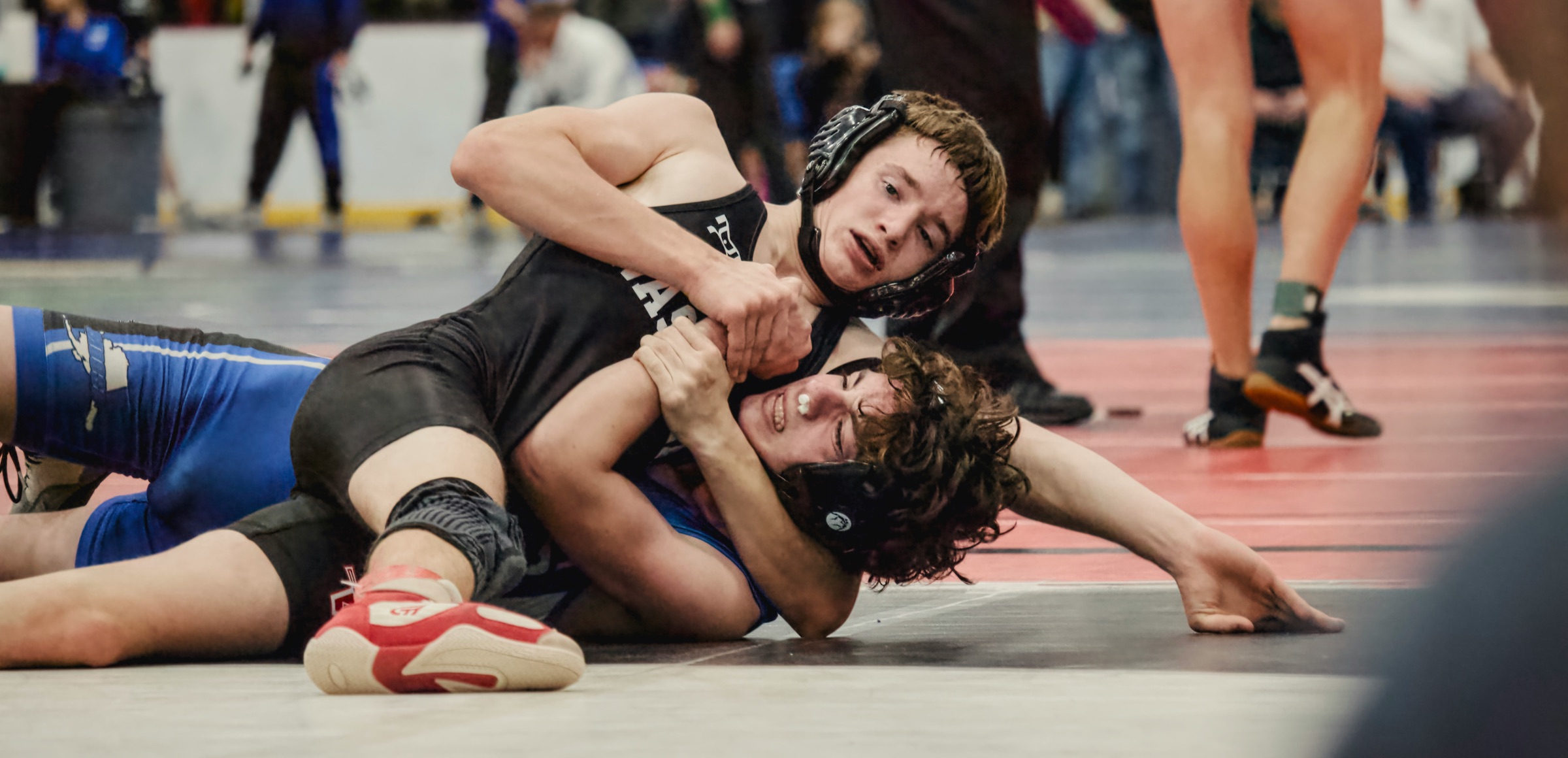
Consider a mid-sized district with one 5A high school running a varsity and JV wrestling program. Thirty-two wrestlers, seven weight classes, and a district-owned set of singlets, headgear, and warmups that get reissued every November.
Pre-season, the AD works with district IT to turn on the GearLocker integration. IT sets up the vendor key and secret in Qmlativ, points GearLocker at the OneRoster endpoint, and confirms the first sync. By Monday morning, every student at the high school appears in GearLocker, with enrollment status and guardian contact data from Qmlativ.
The head coach logs in and builds a wrestling roster from the synced student list. Thirty-two athletes, five minutes, no typing.
Fitting day happens the weekend before the first practice. The coach and an equipment manager work through each weight class. Singlets are scanned and assigned by size. Headgear and warmups are issued. Each scan creates a time-stamped record tied to the Skyward student ID. Parents get an automatic note: here's what your wrestler was issued, here's when it's due back, here's who to contact with questions.
Mid-season, a wrestler moves down a weight class after cutting. The original singlet is returned; a smaller one is issued. Both events are logged. Another wrestler misses a tournament because of an academic issue and ends up dropped from the team. Their gear returns are processed individually; their gear record moves to inactive; the singlet goes back into inventory for the next cut day.
At season's end in March, the equipment manager runs a report. 30 of 32 wrestlers have returned everything. Two have items outstanding — a singlet and a pair of headgear. Automated reminders send. Both items come back within a week. The AD hands a clean summary to the district's business office for the annual equipment budget review.
Frequently asked questions
Does GearLocker integrate with Skyward?
Yes. GearLocker's Skyward integration uses the OneRoster 1.1 API to sync student, enrollment, and family data from Skyward Qmlativ into GearLocker. See the Skyward integration page for setup details.
How does roster sync work between Skyward Qmlativ and GearLocker?
District IT sets up a vendor key and secret in Qmlativ with API access. GearLocker reads student, enrollment, and staff data through the OneRoster endpoint on a schedule the district configures. Enrollment changes, new registrations, and transfers flow through automatically.
Do I need to replace Skyward to use GearLocker?
No. Skyward remains the district's SIS and ERP platform. GearLocker is one more OneRoster-consuming application — specifically for athletic equipment tracking, check-in and check-out, parent notifications, and reporting. The integration is read-only on the Skyward side.
Which Skyward API does GearLocker use?
The integration uses Skyward's OneRoster 1.1 API. Districts that also have the Skyward LMS API available may choose that option; either path gives GearLocker the student and enrollment data it needs without writing back to Qmlativ.
Related reading
Published by GearLocker. GearLocker is sports equipment inventory software built for high schools, school districts, youth sports organizations, and small colleges.