
Last updated: April 2026 · Category: Integrations · Best for: K-12 athletic directors, district administrators, equipment managers
Most K-12 districts with a serious athletics program are already using Clever. It's the rostering pipeline behind hundreds of classroom tools and EdTech apps — the system that quietly moves student data out of your SIS and into everything from math software to library databases. What most athletic directors don't realize is that the same rostering pipeline can feed a gear tracking system, eliminating one of the more annoying administrative tasks on an AD's calendar: manually re-entering every athlete's name into an equipment spreadsheet at the start of every season.
Inventory management for Clever is a short way of saying: connect your gear tracker to the same Secure Sync that already delivers rosters to the rest of your EdTech. This article walks through the pain points a Clever-rostered athletic department typically runs into with gear, what to evaluate in equipment management software, how GearLocker's Clever integration fits, and what the workflow actually looks like for a varsity football program.
The inventory management challenge for Clever users
Clever does one thing extremely well: it pulls student, enrollment, and section data out of your SIS and pushes it to the apps your district has approved. For classroom instruction, that's usually enough — a teacher's roster appears in their math platform without the teacher lifting a finger.
Athletic departments live in a harder spot. The roster of players on the football team isn't a section in the SIS — it's a list the coach maintains, overlaps a football course if you have one, and changes between try-outs, final cuts, and mid-season adds. Even with Clever running district-wide, the AD usually has two problems:
- No clean source of "current athletes" for each sport. Clever delivers the full student body. Figuring out which students are actually on the football roster still requires the coach to share a Google Sheet or a paper list.
- No connection from that roster to the gear system. Even when the AD has a roster, it lives in a spreadsheet. Gear assignments live in another spreadsheet. The only connection is a name typed manually into both.
The compound effect at a medium-sized high school is a season full of workarounds. A coach emails a roster in late August. The AD or an equipment manager retypes it into a shared Excel file. Three weeks into the season, two new players join, one quits, and the jersey list no longer matches the athletes on the field. By October, the "system" is a clipboard in the football office.
What to look for in inventory management software that works with Clever
If your district already leans on Clever for rostering, the highest-value feature of any equipment management software is direct Clever integration. Beyond that, a few practical criteria matter most:
Roster sync from Clever. The tool should accept data through Clever Secure Sync so your student records flow from the SIS through Clever into the gear tracker without manual import. If you can filter by team or sport, even better.
Coach-level access without district IT overhead. Coaches should be able to manage their roster and gear from day one without a ticket to district IT for each one.
Mobile check-in and check-out. Football helmet fittings happen in a gym on a Saturday in August, not at a workstation. The tool needs to work on a phone.
QR-coded inventory. Helmets, shoulder pads, and uniforms are individually numbered for a reason — accountability requires item-level tracking, not just "we issued 85 helmets."
Parent and guardian notifications. When a $250 helmet goes home with a freshman, a notification to the parent turns "nobody told me" into a non-issue before it starts.
Reports that produce audit-ready output. A district equipment manager needs to hand clean numbers to the business office, not reconstruct them from a spreadsheet the night before a board meeting.
Clever SSO, if your district uses the Clever Portal. Athletes signing in with their existing Clever Portal credentials removes a friction point that otherwise kills adoption.
How GearLocker integrates with Clever
GearLocker is athletic equipment tracking software built for K-12 athletic departments. The Clever integration plugs GearLocker into your district's Secure Sync so student records flow through Clever's existing pipeline into GearLocker automatically. You don't maintain a second roster; you don't hand-import a CSV; you don't chase coaches for updates.
Once students are in GearLocker, the AD or equipment manager creates the teams — football, volleyball, cross country — and either the coach self-builds their roster from the district's student list or district staff assign athletes directly. From there, every piece of gear is tagged with a QR code. Check-outs happen on a coach's phone. Each assignment creates a time-stamped record tied to the athlete's SIS record, with parent notifications sent automatically.
For districts that use the Clever Portal, athletes and student managers can sign in to GearLocker with the same credentials they already use for the rest of their EdTech. That removes a password-reset conversation from every AD's inbox.
At the end of a season, the equipment manager runs a missing-gear report across every sport. The report ties each outstanding item back to a specific athlete — first name, last name, student ID — with contact information pulled through Clever from the SIS. Follow-up is automated; disputes are resolved with a time-stamped record instead of a memory.
Workflow example: football helmet fittings at a 4A high school
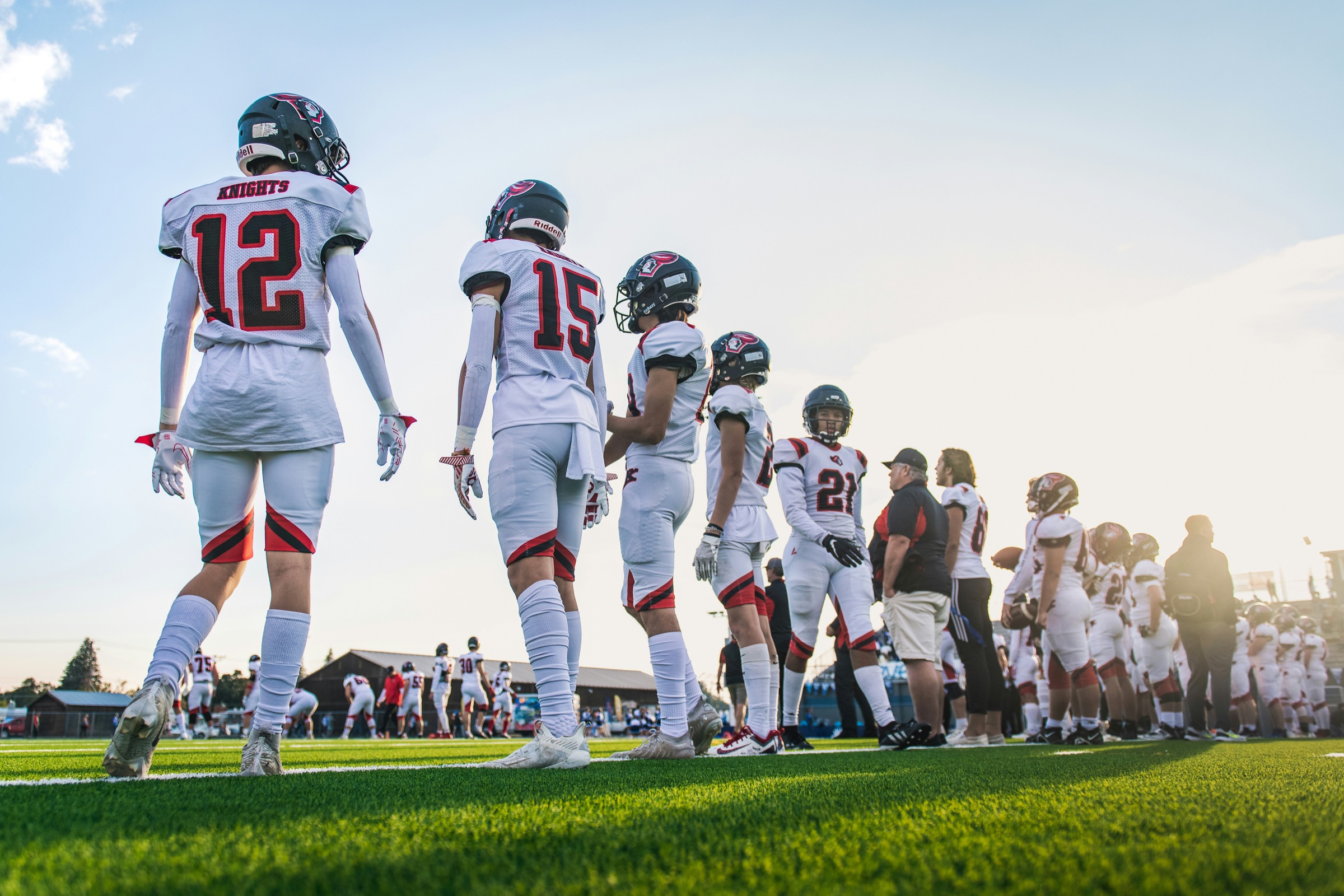
Consider a 4A high school running a varsity football program. The district is on Clever district-wide, feeding rostering to every EdTech app in use.
Pre-season: The head coach builds his roster inside GearLocker from the student list that flowed in through Clever. Sixty-eight players, pulled from the sophomore, junior, and senior class lists already in the system. No typing.
Helmet fitting day, the Saturday before Labor Day: Coaches and the district equipment manager set up in the field house. As each player rotates through, the equipment manager scans a helmet, scans a set of shoulder pads, and scans a game jersey. Each item is assigned to the athlete. Parents get a text within five minutes: your player was issued helmet #42, shoulder pads, game jersey. Every assignment is logged.
Mid-season, two players transfer in. They appear in the district SIS, flow through Clever, appear in GearLocker, and the coach can issue them gear the day they show up at practice — without anyone updating a spreadsheet.
End of season, late November: the equipment manager runs a report. 66 of 68 players have returned all gear. Two have outstanding items. Automated reminders go out to those families; both items come back by the following Friday. The AD signs off on the season with a clean count.
Frequently asked questions
Does GearLocker integrate with Clever?
Yes. GearLocker's Clever integration uses Secure Sync to pull student records from your district's SIS into GearLocker, and supports SSO through the Clever Portal. See the Clever integration page for setup details.
How does roster sync work between Clever and GearLocker?
Your district's SIS pushes data to Clever as it already does for every other EdTech app. Clever Secure Sync delivers the authorized student data to GearLocker, where the AD or equipment manager builds teams from the synced student list. New students flow through automatically.
Do I need to replace Clever to use GearLocker?
No. Clever continues to serve as your rostering and SSO pipeline across every EdTech application. GearLocker is one more app receiving Clever data — specifically for athletic equipment tracking, check-in and check-out, parent notifications, and end-of-season reporting.
Can athletes sign in to GearLocker through the Clever Portal?
Yes. If your district uses the Clever Portal for student sign-in, GearLocker supports the same SSO flow. Athletes and student equipment managers can access their gear history with the same credentials they already use for classroom apps.
Related reading
- GearLocker Clever integration
- 5 Signs Your Athletic Department Has Outgrown Excel
- GearLocker SIS Integration
Published by GearLocker. GearLocker is sports equipment inventory software built for high schools, school districts, youth sports organizations, and small colleges.