
Last updated: April 2026 · Category: Integrations · Best for: K-12 athletic directors, district administrators, equipment managers
If your district runs on ClassLink, you've already solved the hard identity problem. LaunchPad gives every student and staff member a single secure sign-on to every EdTech app. OneSync keeps Active Directory, Google, and Microsoft 365 aligned with enrollment changes. Roster Server pushes class data to your EdTech vendors using the OneRoster standard. Athletic departments, however, usually sit one layer outside all of that — tracking jerseys, helmets, and uniforms in a spreadsheet that nobody bothered to connect to the district's rostering stack.
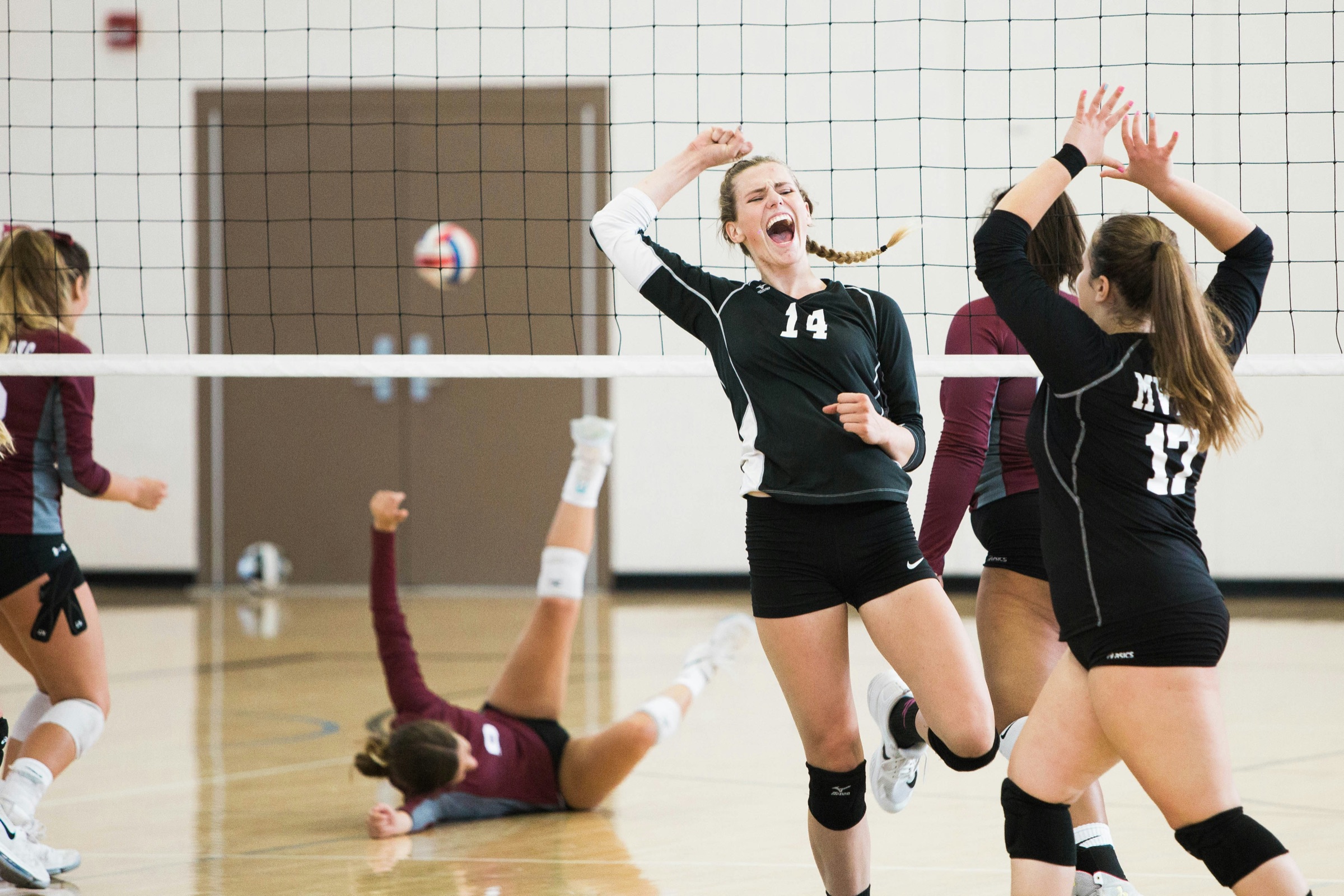
Inventory management for ClassLink is about closing that gap. This article walks through the gear-specific problems that ClassLink districts face, what to look for in equipment management software that plays well with OneRoster, how GearLocker plugs into Roster Server and LaunchPad, and what the process looks like during the first week of a volleyball season.
The inventory management challenge for ClassLink users
ClassLink districts tend to have their identity, enrollment, and app access in very good shape. The problem is that athletics has always been a slightly different shape of data. Student enrollments sit in the SIS. ClassLink Roster Server pushes them along to approved EdTech tools. But "the 15 students on the freshman volleyball team" isn't a section in the SIS — it's a roster the coach pulled together after try-outs, with a few mid-season adjustments, and it lives somewhere other than the district's data pipeline.
That mismatch shows up in a handful of ways:
- Coaches maintain their own team rosters in Google Sheets or paper, because the SIS doesn't reflect the athletic cut list.
- The AD keeps a master spreadsheet of gear assignments that's updated by hand every time a roster shifts.
- When a student transfers in or out, nobody tells the equipment manager — they find out when the jersey doesn't come back.
- District IT doesn't want one more hand-maintained identity outside ClassLink, but the gear system demands it.
It's a frustrating spot for an athletic director. You're being asked to run a modern program with cleaner records than ever — and the tool you're using to do it is the same Excel file your predecessor was using in 2014.
What to look for in inventory management software that works with ClassLink
If your district already has ClassLink running, the first question to ask about any athletic equipment tracking tool is whether it can consume data from Roster Server — ideally through OneRoster — without custom integration work. Beyond that:
OneRoster-compatible sync. The industry-standard data format for K-12 identity and rostering. Tools that natively speak OneRoster drop cleanly into an existing ClassLink district.
Support for Roster Server's scoping model. Roster Server lets districts decide exactly what data each vendor sees. The gear tracker should respect that scoping so it receives only what it needs.
LaunchPad SSO. If staff and students are trained to click their ClassLink LaunchPad for every app, a gear system outside that habit won't get used.
Role-aware access for coaches, equipment managers, and ADs. Different people need to see different slices of the inventory. A coach should see their team. An equipment manager should see the building. The AD should see the department.
Mobile-first check-out flow. Gear handouts never happen at a desk. Expect to run the whole thing on a phone in a storage closet or courtside.
Parent and guardian notifications. A $90 volleyball jersey issued to a freshman should trigger an automatic note home. Nobody — coach, AD, parent — should be surprised by what's been assigned.
Clean reporting for end-of-season and audit cycles. An equipment manager should be able to run a missing-gear report in a couple of clicks, not reconstruct it from four different spreadsheets.
How GearLocker integrates with ClassLink
GearLocker is equipment management software built for K-12 athletic programs. The ClassLink integration connects GearLocker to your district's Roster Server so student records flow from your SIS, through ClassLink, into GearLocker automatically. It uses the OneRoster standard your district already publishes, so there's no custom data mapping and no manual import.
Once GearLocker has your student list, the AD or equipment manager creates teams — volleyball, boys' basketball, track — and coaches build their rosters from the synced student body. Every piece of gear gets a QR code: jerseys, warmups, nets, balls, uniform sets. Check-outs happen from a coach's phone. Each handoff is time-stamped and tied to the athlete's SIS record, with a parent notification going out the same minute.
For districts that run LaunchPad as the central sign-on experience, GearLocker shows up as another tile in the athlete's and coach's portal. No new password to remember, no separate account to provision. Sign in with ClassLink, click GearLocker, the right view loads automatically based on role.
End-of-season reporting ties everything back together. The district equipment manager pulls a single report across every sport, every team, every outstanding item. Overdue reminders send automatically. Disputes get resolved with time-stamped records instead of coach-versus-parent recollections. And because rosters stayed in sync all season long, every outstanding item has a current address and phone number attached.
Setup details and the integration overview are on the ClassLink integration page; for more on ClassLink itself, see their Roster Server product page.
Workflow example: first week of volleyball season at a district with two high schools
Here's how this plays out at a district running two high schools and a shared equipment budget.
The district's athletic director oversees both buildings. ClassLink is already live district-wide with LaunchPad, OneSync, and Roster Server. Volleyball try-outs run the third week of August. By Friday, each school's head coach has cut to a 14-player varsity, 14-player JV, and 12-player freshman roster.
Coaches log in to GearLocker through LaunchPad. Each coach's student picker already contains the ClassLink-synced students at their school. The coaches build their rosters in five minutes apiece by selecting players from the list. No names are typed.
Gear handout happens Monday before the season opener. The equipment manager brings 80 jersey sets — numbered and QR-coded — to each school's gym. As each player rotates through a fitting, the scan assigns the jersey, spandex, and warmup to the athlete. Parents get a text: here's what your daughter was issued, here's when it comes back. A player at one of the schools quits two weeks in; her jersey is returned and reassigned to a new try-out addition the next afternoon.
At season's end in November, the equipment manager runs a cross-district report. Two jerseys outstanding across both buildings. Both are recovered after a single automated reminder. The AD hands a clean summary to the business office without spending a weekend rebuilding anything.
Frequently asked questions
Does GearLocker integrate with ClassLink?
Yes. GearLocker's ClassLink integration receives student and enrollment data from Roster Server and supports LaunchPad SSO for coaches, equipment managers, and student-athletes. See the ClassLink integration page for details.
How does roster sync work between ClassLink Roster Server and GearLocker?
Your district's Roster Server publishes student, enrollment, and staff data in the OneRoster format. GearLocker consumes that data on the schedule your district sets, which means new enrollments, transfers, and departures update in GearLocker without anyone re-importing a CSV.
Do I need to replace ClassLink to use GearLocker?
No. ClassLink remains your identity, provisioning, and rostering platform. GearLocker is one more application consuming ClassLink's data — specifically to handle athletic gear inventory, check-in and check-out, parent notifications, and reporting.
Can athletes launch GearLocker from their ClassLink LaunchPad?
Yes. Districts that use LaunchPad can add GearLocker to the student and staff portal. Athletes sign in once with their district credentials and access GearLocker alongside their other approved apps.
Related reading
Published by GearLocker. GearLocker is sports equipment inventory software built for high schools, school districts, youth sports organizations, and small colleges.