
Last updated: April 2026 · Category: Integrations · Best for: Private and independent K-12 schools, athletic directors, business offices
Private and independent schools that run on Blackbaud already have a cleaner data picture than most: student records, course schedules, enrollment, advancement, the LMS, and the business office all pull from the same student file. Athletic directors get team rostering and scheduling baked into the same system. What Blackbaud doesn't cover — and doesn't claim to — is the physical gear that moves from the equipment cage to each athlete at the start of every season.
Inventory management for Blackbaud is about closing that last gap. The school already has the data. This article looks at the specific friction points that show up inside a Blackbaud-run athletic department, the features to evaluate in equipment management software, how the GearLocker integration uses your existing SIS, and what the workflow looks like on a typical lacrosse hand-out day.
The inventory management challenge for Blackbaud users
The private school context raises the bar. Parents paying meaningful tuition expect clear communication, accurate billing, and a level of professionalism in the athletic program that matches the rest of the school. When a $250 lacrosse helmet goes home with a ninth grader and never comes back, the missing item isn't just a budget line — it's a conversation at the next parents' weekend and a question from the business office about why the billing record doesn't match the equipment record.
Athletic departments at Blackbaud schools tend to run into three recurring problems:
- A spreadsheet maintained outside the system of record. Blackbaud has the 360° Student View. The athletic department has a separate Excel file. The two never meet, and gear assignments live in the Excel file.
- Manual parent communication on gear issues. Parents at independent schools expect timely communication. Manually drafting an email for every gear assignment or missing item doesn't scale past two or three sports.
- Audit and billing friction. Schools that charge families for damaged or missing gear need a time-stamped record to back up every charge. Without one, the business office absorbs the loss or fields complaints.
Blackbaud does include athletic team rostering and scheduling as part of Education Management. What it doesn't do is issue equipment to an athlete, track that issuance as an asset, notify a guardian, or tie the return back to the billing system. That's the gap this integration addresses.
What to look for in inventory management software that works with Blackbaud
Evaluation starts with the SIS connection. For Blackbaud schools, that means an integration that uses the SKY API or an equivalent direct data link — not a weekly CSV export a registrar has to remember to generate. From there, a handful of criteria tend to separate serious tools from the rest:
Direct student record sync. The gear tracker should share Blackbaud's identity for each student so records match one-to-one with the SIS. No reconciling two systems by name.
Role-appropriate access for coaches, ADs, and the business office. A varsity coach needs to see their team. The AD needs to see the department. The business office needs gear charges to tie cleanly back to a student's account. All three views need to work without conflicts.
Mobile check-in and check-out. Private schools run gear hand-outs at the start of each season, often at a team meeting or a pre-season practice. Coaches manage the process from their phones, not an office workstation.
QR-coded inventory. Lacrosse sticks, rowing uniforms, helmets, goalie gear — each item is a specific asset with a condition history. QR code scanning is the fastest way to log each assignment and return.
Parent-facing notifications. The expectation at a tuition-driven school is that parents hear about important things promptly and in writing. A gear system that auto-notifies guardians at check-out and on overdue removes a category of small frustrations.
Reports that line up with business office needs. End-of-season reports should feed directly into whatever the business office uses for incidentals, damage charges, and outstanding balances.
How GearLocker integrates with Blackbaud
GearLocker is athletic equipment tracking software built for K-12 and small-college athletic programs, with particular care for the private and independent school context. The Blackbaud integration connects GearLocker to your Blackbaud Education Management data through the SKY API, so student records, enrollment, and family relationships flow into GearLocker automatically. The AD doesn't rebuild rosters. The registrar doesn't export CSVs. IT doesn't stand up a parallel directory.
Inside GearLocker, each sport's roster is built from the Blackbaud student population. Coaches can self-manage from there, or the AD can assign athletes. Every piece of gear is tagged with a QR code and issued by scan — helmets, sticks, uniforms, crew gear, ice time cards, whatever the program owns. Parent contact information comes straight from the Blackbaud family record, so a check-out immediately triggers a notification to the right guardian without anyone copying an email address.
When the season ends, an end-of-season report exports a clean list of outstanding items, current charges, and contact info. Business offices have used the export to reconcile damage charges against the student account without a manual match. Athletes and guardians sign in using the same credentials they already use for Blackbaud — no new passwords to remember, no new login to communicate.
Setup details are on the Blackbaud integration page. You can read more about Blackbaud's SIS for K-12 schools on their site.
Workflow example: boys' lacrosse hand-out at an independent school
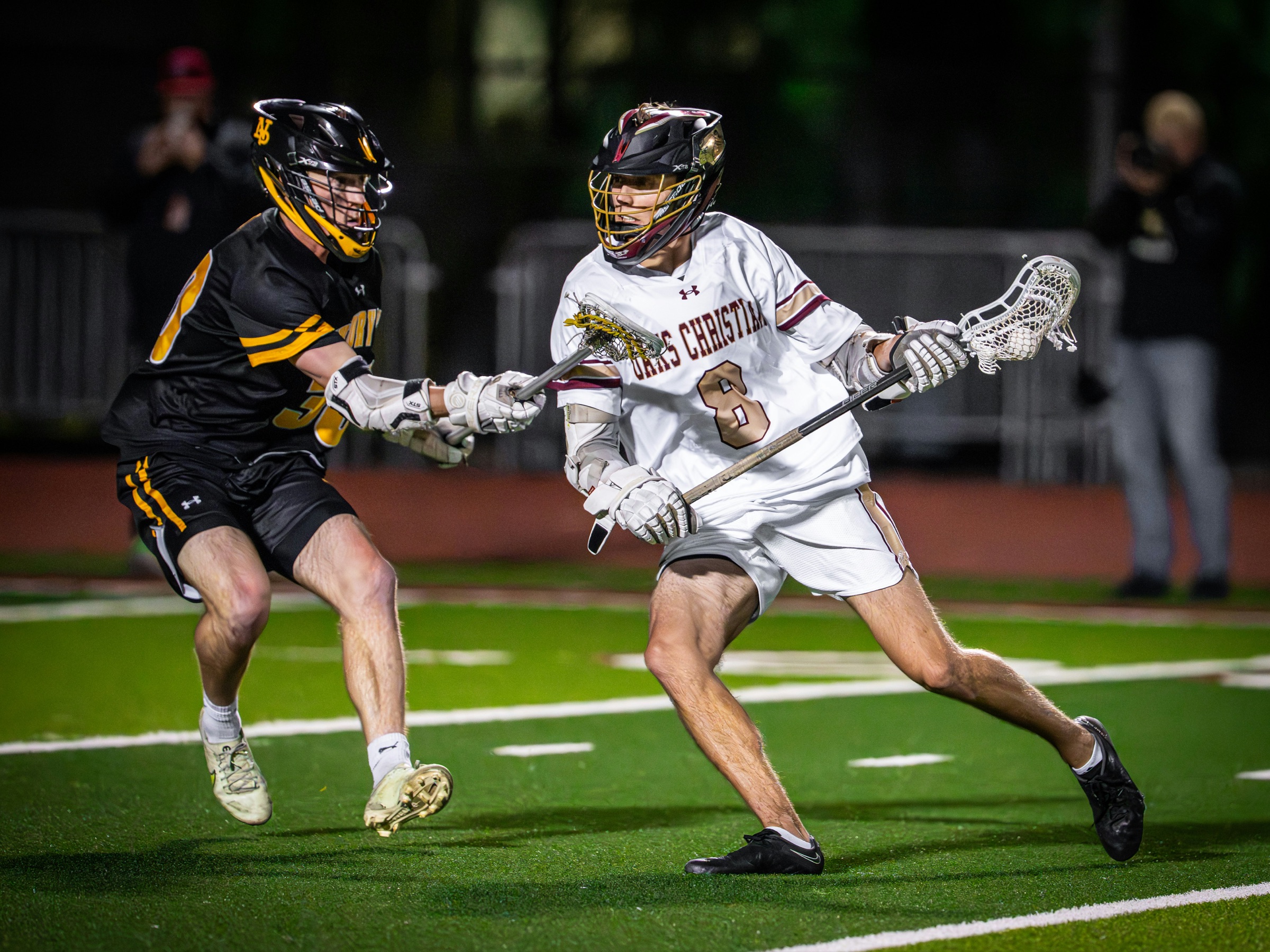
Consider an independent day school with 95 boys across varsity, JV, and 7th/8th grade lacrosse. The school runs on Blackbaud for SIS, LMS, Enrollment, and the business office. Lacrosse gear is school-owned and reissued every spring: helmets, gloves, shoulder pads, arm pads, and a game jersey per player, with the goalies receiving additional equipment.
Pre-season, the AD runs sync. All 95 players populate their team rosters in GearLocker, pulled from the Blackbaud student record. The coaches log in through the school's existing SSO.
Hand-out day happens the Saturday before the first practice. Each coach has a folding table set up in the field house. As athletes rotate through, the varsity coach scans a helmet, gloves, shoulder pads, and a jersey for each varsity player. The JV coach does the same. At the 7th/8th grade table, the middle school coach works through the younger athletes. Each scan creates a check-out record tied to the Blackbaud student ID. Parents get a notification within minutes: here's what your son was issued, here's the return date, here's who to contact with questions.
Mid-season, a varsity player injures his knee and finishes the season on the sideline. His gear is returned at the next practice and reassigned to a promoted JV player. Both records update in GearLocker; Blackbaud is unaffected, because the roster updates live in the gear system, not the SIS.
At season's end, the equipment manager pulls a report. Three items are outstanding across 95 players — a helmet, a pair of gloves, and a jersey. Automated reminders go out. Two items come back that week. The third triggers a business-office charge, routed back through Blackbaud with a time-stamped GearLocker record attached.
Frequently asked questions
Does GearLocker integrate with Blackbaud?
Yes. GearLocker's Blackbaud integration uses the SKY API to sync student records, enrollment, and family contact data from Blackbaud Education Management into GearLocker. See the Blackbaud integration page for setup details.
How does roster sync work between Blackbaud SIS and GearLocker?
The integration runs off your existing SIS data. Student profiles, enrollment status, and guardian contacts flow from Blackbaud into GearLocker, where the AD or coach builds team rosters. New enrollments, re-enrollments, and withdrawals update automatically so the gear system stays aligned with the SIS.
Do I need to replace Blackbaud to use GearLocker?
No. Blackbaud continues to be the SIS, LMS, and business-office platform for your school. GearLocker handles the athletic equipment side — gear inventory, check-in and check-out, parent notifications, and reporting — and passes relevant records back for the business office.
How does GearLocker fit with Blackbaud's built-in athletics rostering?
Blackbaud's athletics module handles team rostering, scheduling, and event communication. GearLocker focuses on the physical equipment: what has been issued to each athlete, when it's due back, condition, and billing implications. The two complement each other; the GearLocker roster is built from the same student record Blackbaud uses for its team.
Related reading
- GearLocker Blackbaud integration
- 5 Signs Your Athletic Department Has Outgrown Excel
- GearLocker SIS Integration
Published by GearLocker. GearLocker is sports equipment inventory software built for high schools, school districts, youth sports organizations, and small colleges.