
SportsEngine Integration
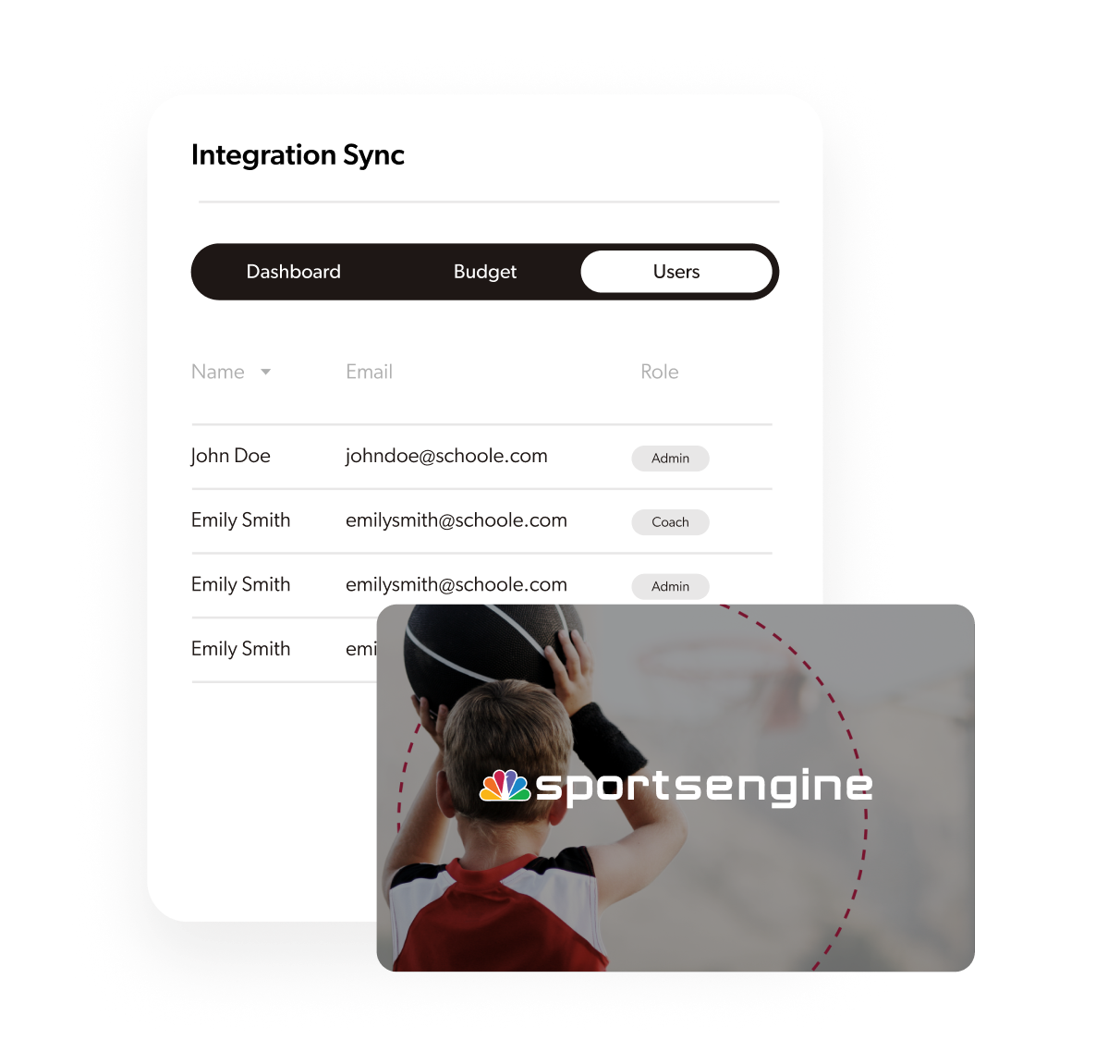
Manual roster entry is time-consuming and error-prone. SportsEngine integration eliminates duplicate work, ensures data accuracy, and keeps your team rosters automatically synchronized with your SportsEngine organization.
Key Benefits
Automatic roster synchronization
Import team rosters and player data directly from SportsEngine HQ, eliminating manual data entry.
Unified team management
Keep equipment assignments aligned with SportsEngine rosters, schedules, and team changes automatically.
Parent and coach access
Parents and coaches using SportsEngine can access GearLocker with familiar login credentials.
Real-time updates
Changes in SportsEngine (new players, roster updates, schedule changes) automatically sync to GearLocker.
Streamline Youth Sports Equipment Management
A youth sports organization using SportsEngine HQ for registration, scheduling, and communication can automatically sync all team rosters into GearLocker. When coaches assign equipment in GearLocker, it's linked to the same players they're already managing in SportsEngine. Parents see gear assignments alongside practice schedules and team communications—all in one connected experience.
How It Works
Security & Privacy
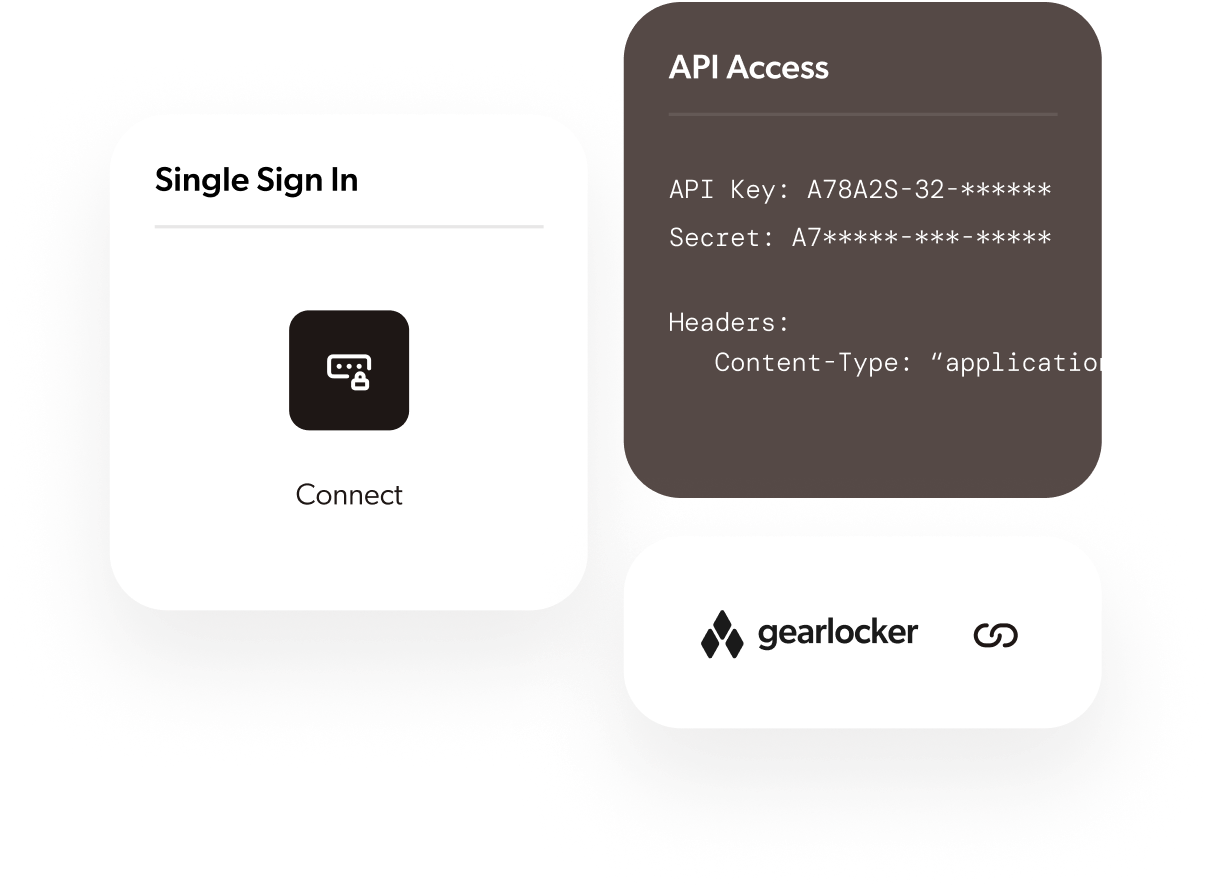
Secure API connections with encrypted data transmission
Role-based access control aligned with SportsEngine permissions
Parent and guardian data protection in compliance with COPPA
Regular data synchronization with audit logging
Privacy controls matching SportsEngine's data sharing policies
Get Started
- Contact your GearLocker account manager
- Provide SportsEngine HQ API credentials
- Map your teams and player data between systems
- Test roster synchronization in a staging environment
- Enable automatic sync for all teams
Requirements
- Active SportsEngine HQ subscription for clubs and leagues
- API access credentials from SportsEngine
- Matching team and player identifiers between SportsEngine and GearLocker
- Appropriate permissions for roster data access
Seamless sports
management integration
Ready to integrate GearLocker with SportsEngine?
See Other Integrations
Clever
Automate rostering and streamline login with Clever's identity platform for education.
Connect GearLocker with Clever to automatically sync student rosters, enable Single Sign-On through the Clever Portal, and manage digital identities securely. Perfect for districts using Clever's Secure Sync and identity management.
ClassLink
Automate rostering and streamline login with ClassLink's identity management platform.
Connect GearLocker with ClassLink to automatically sync student rosters, enable Single Sign-On through LaunchPad, and manage digital identities securely. Perfect for districts using ClassLink's OneSync and Roster Server.
 Coming Soon
TeamSnap
Coming SoonSync team rosters and player data with TeamSnap ONE for seamless equipment management.
Connect GearLocker with TeamSnap ONE to automatically import team rosters, player information, and schedules. Perfect for clubs, leagues, and youth sports organizations using TeamSnap for team management.

Veracross
Unify student records and schedules with Veracross's single-record database.
Integrate GearLocker with Veracross to sync student data, family relationships, schedules, and roles. Ideal for private and independent K-12 schools using Veracross's comprehensive SIS platform.

Blackbaud
Sync student records and rosters with Blackbaud's comprehensive education management platform.
Connect GearLocker with Blackbaud to automatically sync student profiles, enrollment data, and family records. Ideal for private and independent K-12 schools using Blackbaud's Student Information System.
Skyward
Sync student rosters and enrollment data with Skyward's district-wide SIS platform.
Connect GearLocker with Skyward to automatically import student enrollment records, staff assignments, and school rosters. Perfect for K-12 public school districts using Skyward Qmlativ for student management.
Infinite Campus
Sync student data with the most comprehensive all-in-one K-12 student information system.
Connect GearLocker with Infinite Campus to automatically import student enrollment, staff records, and school rosters. Built for the 3,200+ districts and 11 million students powered by Infinite Campus.